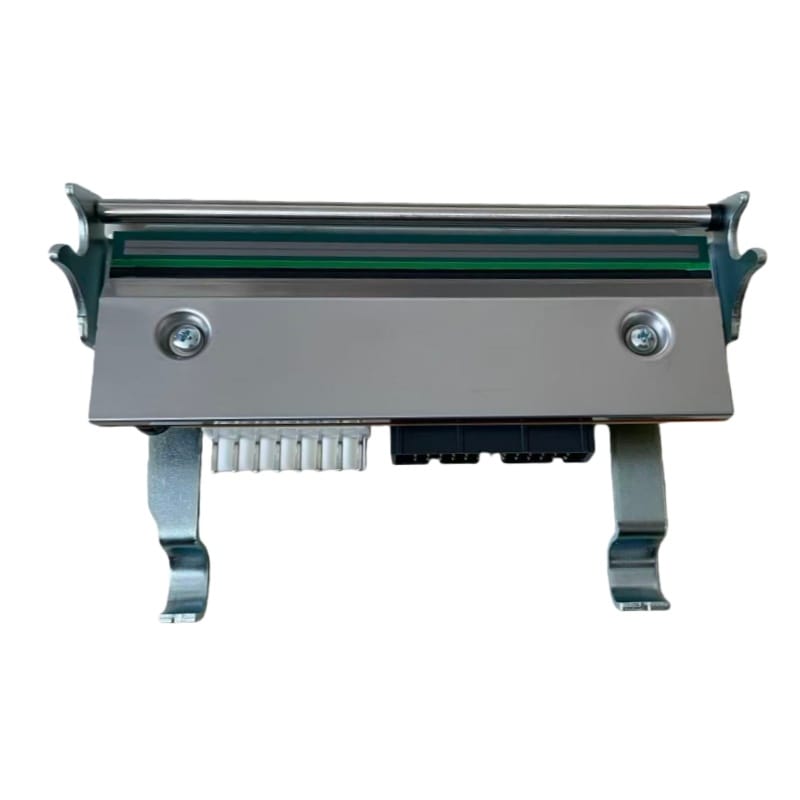
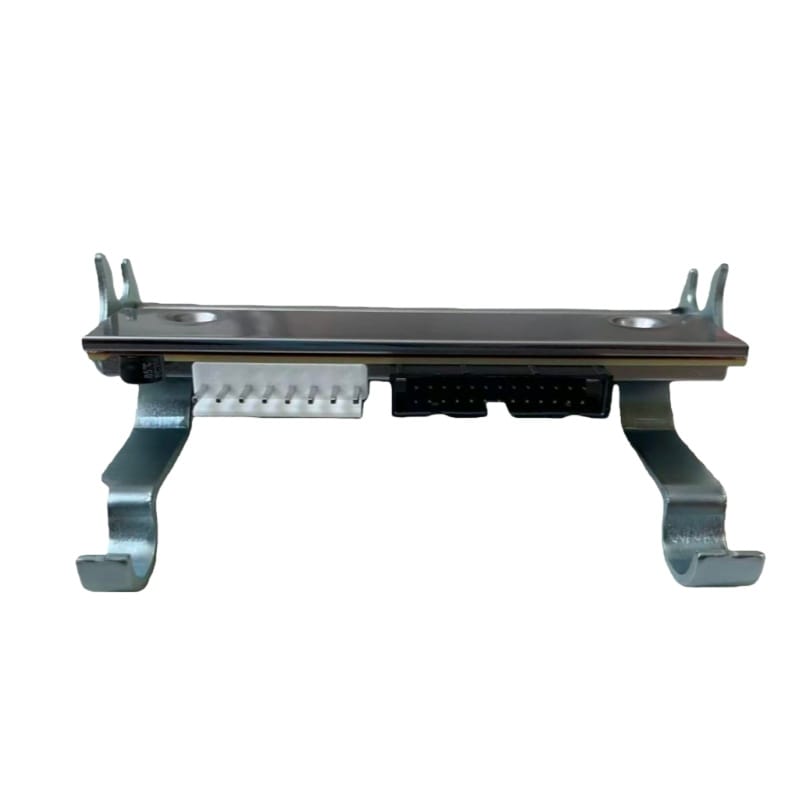
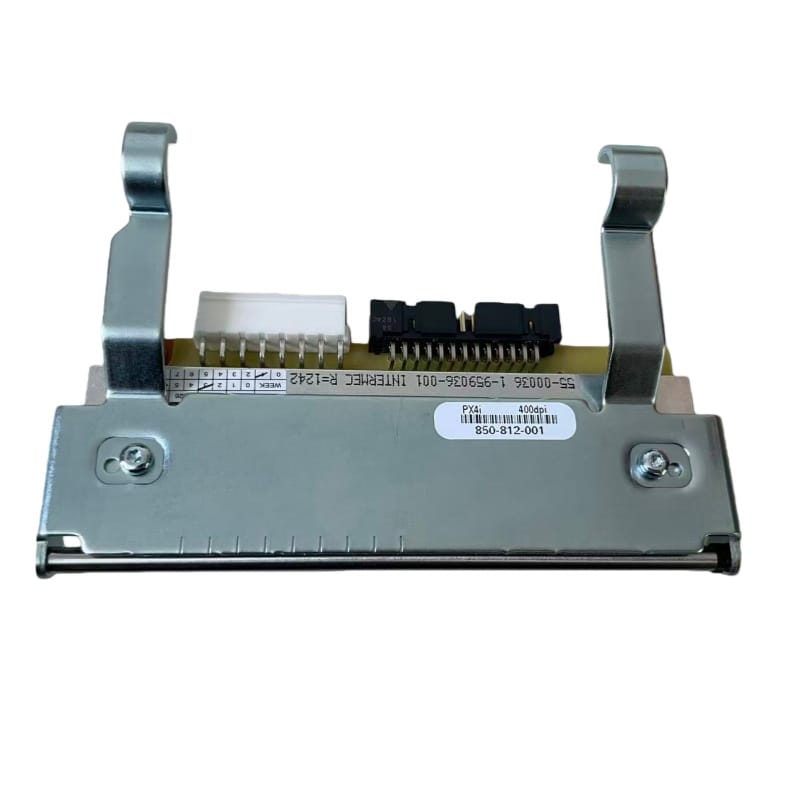
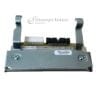
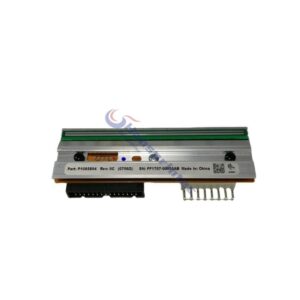
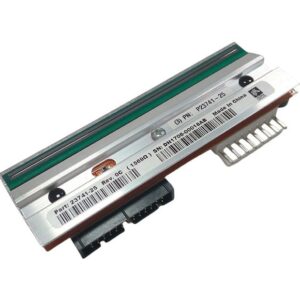
Product Name: Thermal Printhead
Model : PM43 300dpi
Category:Honeywell Printhead
Part Number:710-179S-001
Delivery Time: 1-3 days
Warranty:1 year/25.4km
The 710-179S-001 PM43 print head is a high-performance 300dpi thermal printhead designed for the Honeywell Intermec PM43 printer series. It delivers sharp print quality, excellent barcode readability, and stable output for industrial labeling applications.
This model is commonly searched as PM43 printhead, and is widely used in logistics, warehousing, manufacturing, and retail printing environments where high-resolution printing is required.
The PM43 print head 710-179S-001 is engineered for high-resolution printing performance, ensuring clear barcode scanning and precise output.
Proper cleaning of the PM43 print head (710-179S-001) is essential to maintain stable print quality and extend the service life of the printhead. Regular cleaning helps prevent print defects such as streaks, fading, or missing dots.
Before cleaning the PM43 print head, prepare the following tools:
Turn off the printer and pause all printing tasks. Open the printer and lift the printhead assembly. Allow the 710-179S-001 PM43 print head to cool completely before cleaning.
Moisten a lint-free swab or cleaning pen with alcohol solution.
Gently wipe the printhead surface in one single direction only (left to right or right to left). Do not wipe back and forth.
Pay attention to the heating element area where printing occurs.
Wait 1–2 minutes to allow the alcohol to fully evaporate. Do not close or operate the printhead while it is still wet.
Once completely dry, close the printhead assembly and run a test print to ensure print quality is restored.
Regular maintenance of the PM43 print head (710-179S-001) helps ensure:
Looking for a 710-179S-001 PM43 print head supplier?
We provide both original and high-quality compatible PM43 printheads with stable supply and fast global shipping.
👉 Contact us today for pricing and availability
👉 Send your printer model and quantity for a quick quotation within 12 hours