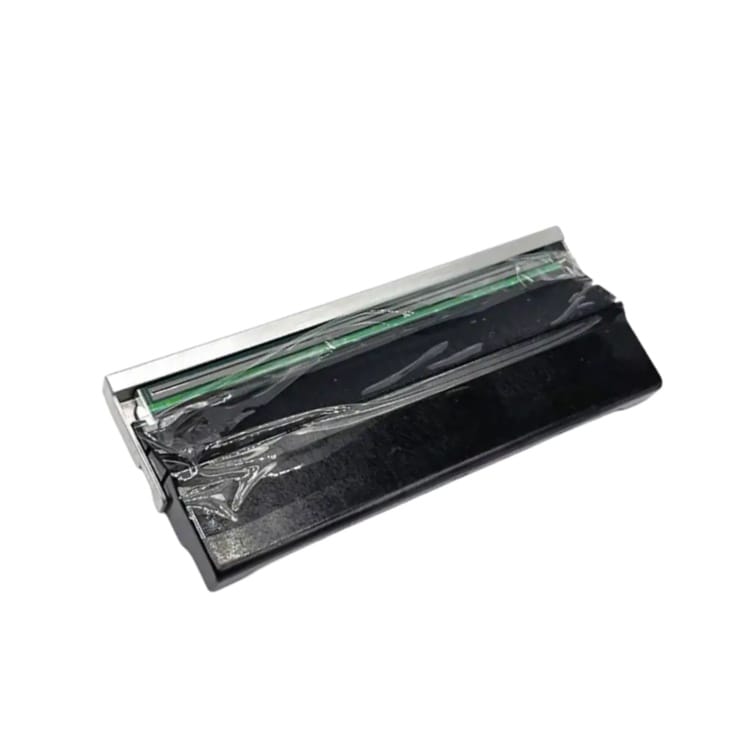
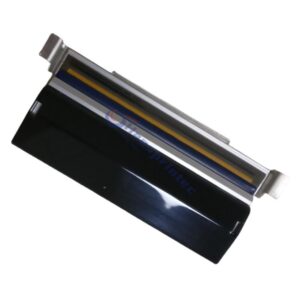
Godex ZX1200i Printhead 203dpi (021-Z2i001-000)
The Godex ZX1200i Printhead is a high-performance 203dpi thermal printhead designed for industrial barcode and label printing applications. This original replacement part (021-Z2i001-000) ensures stable printing quality, sharp image output, and long-lasting durability for continuous operation environments.
If your printer requires consistent and reliable performance, this Godex ZX1200i Printhead 203dpi is the ideal choice for maintaining print accuracy and reducing downtime.
Product Specifications
- Product Name: Godex ZX1200i Printhead
- Resolution: 203dpi
- Part Number: 021-Z2i001-000
- Condition: Original / Genuine Printhead
- Application: Thermal transfer & direct thermal printing
- Printer Model: Godex ZX1200i
Key Advantages of Godex ZX1200i Printhead
- 100% original replacement printhead
- Stable and consistent print quality
- High durability for industrial use
- Easy installation and perfect compatibility
- Clear barcode and text printing performance
Warranty
This Godex ZX1200i Printhead (021-Z2i001-000) comes with a 6-month warranty or 30km printing length (whichever comes first).
Common Thermal Transfer Printing Issues
Understanding common printing problems can help extend the lifespan of your Godex ZX1200i Printhead and improve overall print quality.
1. Poor Ink Adhesion
This issue usually occurs when the ribbon, label, and printer settings are not properly matched.
Possible Causes & Solutions:
- Ribbon material does not match label surface
→ Replace with a compatible ribbon (wax, wax-resin, or resin depending on label type) - Printing temperature is too low
→ Increase print darkness and adjust printing speed to achieve proper heat transfer
White Spots on Labels
White spots usually indicate incomplete ink transfer during the printing process.
Possible Causes:
- Label surface is too rough
→ Use labels with smoother coating for better ink transfer - Poor ribbon coating quality
→ Replace with higher-quality ribbon to ensure uniform ink release
Vertical White Lines on Printed Labels

Vertical white lines are one of the most common printhead-related issues and usually indicate contamination or damage on the printhead heating elements.
Possible Causes & Solutions:
- Dust or adhesive buildup on the printhead
→ Clean the printhead carefully using lint-free cloth and isopropyl alcohol - Damaged heating element on printhead
→ If the line remains after cleaning, the printhead may be physically worn and requires replacement - Uneven pressure between printhead and platen roller
→ Check and adjust printhead pressure settings or mechanical alignment
Tips to Extend Printhead Lifespan
- Always use high-quality ribbons and labels
- Clean the printhead regularly after each ribbon roll change
- Avoid scratching the printhead surface
- Use proper temperature and speed settings
Why Choose Our Godex ZX1200i Printhead
We provide stable supply of original Godex ZX1200i Printhead 203dpi (021-Z2i001-000) with strict quality control, ensuring your printing system runs efficiently with minimal downtime and maximum output consistency.
Contact Us
Looking for a reliable supplier of Godex ZX1200i Printhead (021-Z2i001-000)?
Contact us for pricing, stock availability, and bulk order support.