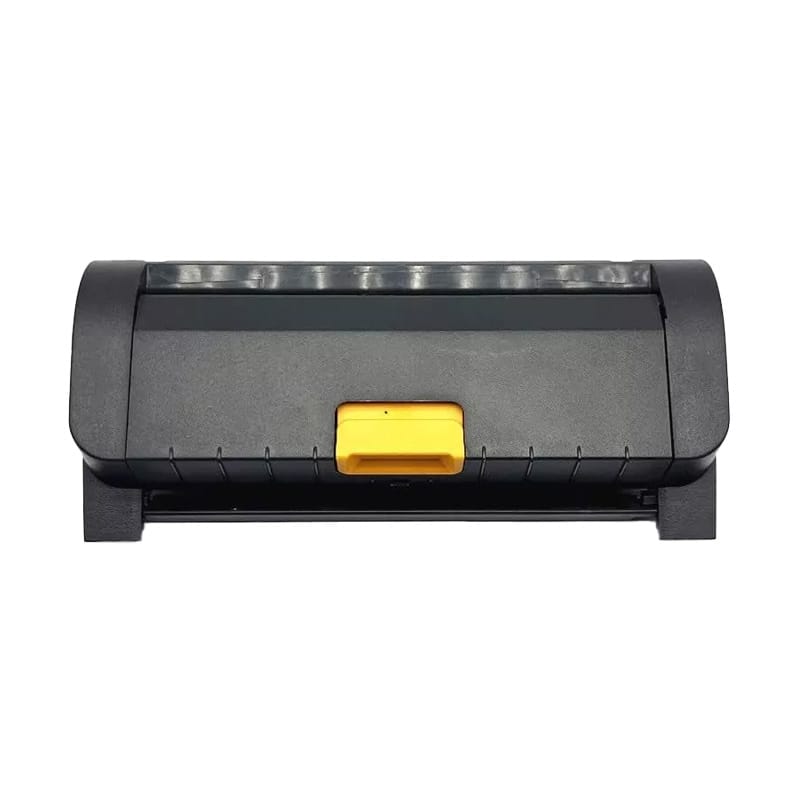
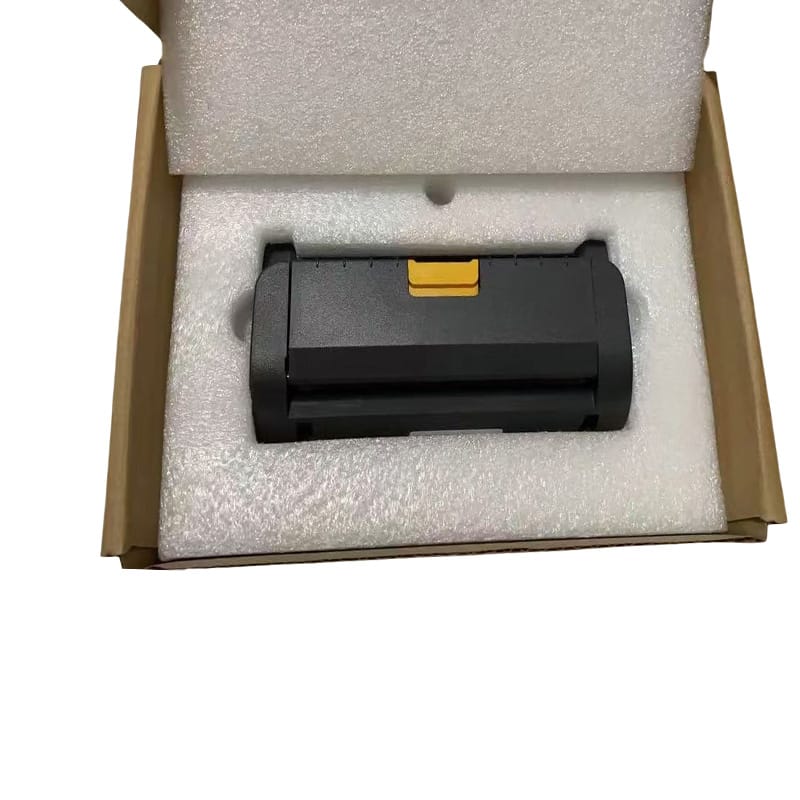
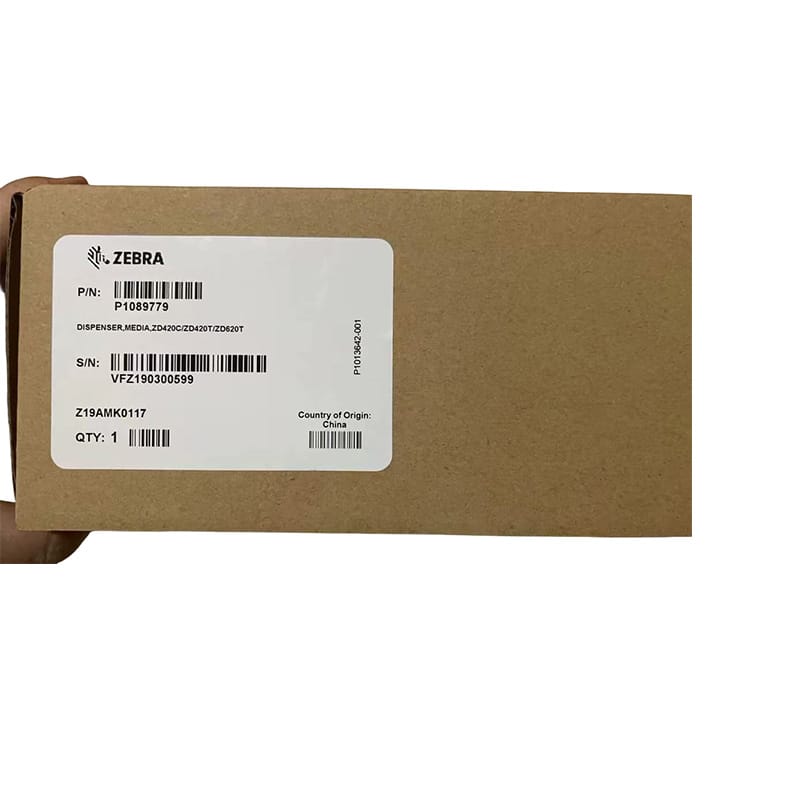
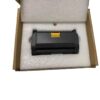
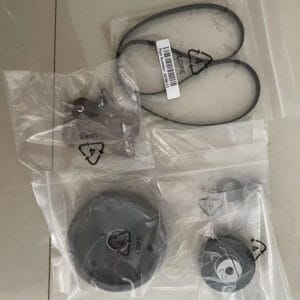
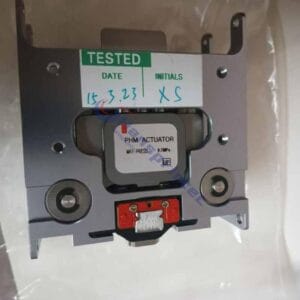
Product Name: Label Dispenser
Model : ZD420C ZD420T ZD620T
Category:Accessories
Part Number:P1089779/P1080383-018
Delivery Time: 1-3 days
Warranty:3 months/30km
The P1080383-018 is the genuine Zebra OEM label dispenser (peel module) for the ZD420C, ZD420T, and ZD620T thermal transfer desktop printers. This front-mount passive peel attachment is a field-installable upgrade kit — it replaces the printer’s standard front bezel and adds automatic label peeling, so each printed label is immediately ready to apply without any manual liner removal.
| Parameter | Specification |
|---|---|
| Primary Part Number | P1080383-018 |
| Alternate Part Number | P1089779 |
| Also Known As | ETTZD420KITUP, V367423, 5711783932215 |
| Compatible Printers | Zebra ZD420T, ZD420C, ZD620T |
| Peel Type | Front mount, passive peel |
| Installation | Field-installable — no tools required |
| Installation Time | Under 5 minutes |
| Condition | 100% Genuine Zebra OEM |
| Delivery Time | 1–3 business days |
| Warranty | 3 months |
The P1080383-018 is confirmed compatible with the following Zebra ZD-series thermal transfer desktop printers:
⚠️ Wrong printer? Check your model carefully.
The P1080383-018 is for thermal transfer (T) and ribbon cartridge (C) variants only. If you have a ZD420D or ZD620D (direct thermal), you need part number P1080383-418 instead — these two dispensers are not interchangeable. Also note: this module is not compatible with the newer ZD421 or ZD621 series, which use a different front bezel design. If you are unsure of your printer model, check the label on the underside of the printer or contact Hansprintec with your printer’s serial number before ordering.
The P1080383-018 uses a passive peel mechanism: as the printer feeds a label forward, the dispenser bar causes the liner (backing paper) to bend sharply around a peel edge, separating the label from the liner. The label is presented face-up at the front of the printer, ready to apply. When you take the presented label, the printer’s label-taken sensor detects removal and automatically prints and presents the next label. This eliminates the need to manually tear and peel each label, significantly reducing handling time in high-volume labelling operations.
The dispenser ships as a complete upgrade kit that replaces the printer’s standard front bezel. The kit includes all hardware required for installation. No technical training or service call is needed — the module clips into place in under five minutes. You can also easily enable and disable the peeler to make switching between projects fast and easy. This makes it practical even in environments where labels are sometimes peeled and sometimes applied in strip format.
As a genuine Zebra OEM accessory, the P1080383-018 is engineered and tested to the same specification as the factory-fitted dispenser option on ZD420T/C and ZD620T printers ordered from the factory with a dispenser. It communicates correctly with the printer’s label-taken sensor, works with Zebra’s ZPL and ZPL II command languages, and does not require any firmware changes or driver updates after installation.
Using genuine Zebra OEM accessories ensures your printer remains within Zebra’s warranty and service programme terms. Third-party peel attachments can cause liner jams, sensor misfires, and premature wear on the front bezel assembly — all of which may void the manufacturer warranty. The P1080383-018 eliminates these risks.
^MN.Hansprintec ships the P1080383-018 globally with protective packaging and full customs documentation, typically within 1–3 business days of order confirmation. If you are unsure whether this dispenser fits your specific ZD420 or ZD620 variant, contact us with your printer’s model number and we will confirm compatibility before you order. We also supply the full range of Zebra ZD420 and ZD620 replacement parts, ribbons, and accessories.
Q1: What is the difference between P1080383-018 and P1089779?
These are two part numbers for the same Zebra label dispenser module for ZD420T, ZD420C, and ZD620T printers. P1080383-018 is the primary Zebra OEM part number. P1089779 is an alternate/superseding part number issued by Zebra for the same product. Both refer to the same physical unit.
Q2: Will this fit my ZD420D or ZD620D (direct thermal)?
No. The P1080383-018 is designed for thermal transfer and ribbon cartridge variants (ZD420T, ZD420C, ZD620T). For direct thermal models (ZD420D, ZD620D), you need part number P1080383-418. The front bezel design differs between the T/C and D variants and the two dispensers are not interchangeable.
Q3: Does this work with ZD421 or ZD621 printers?
No. The ZD421 and ZD621 series use a redesigned front panel. The P1080383-018 is not compatible with these models. Contact Hansprintec for the correct dispenser part number for ZD421 or ZD621 printers.
Q4: Do I need to update the printer firmware after installing this dispenser?
No firmware update is required. The P1080383-018 is a passive mechanical module that works with all firmware versions on ZD420T, ZD420C, and ZD620T printers. You do need to enable dispenser mode in the printer’s media settings (or via ZPL command) to activate label-taken detection.
Q5: Can I switch between dispenser mode and normal mode after installing this kit?
Yes. The peeler can be enabled or disabled in the printer settings without removing the hardware module. This makes it practical in environments where you sometimes need continuous strip output and sometimes need individual peeled labels.
Q6: Is this a genuine Zebra OEM part or a compatible equivalent?
This is a 100% genuine Zebra Technologies OEM module bearing part number P1080383-018. Hansprintec supplies only authentic Zebra accessories — not aftermarket alternatives.
Q7: Do you offer volume pricing?
Yes. Hansprintec offers volume pricing for orders of 3 units or more. We work with IT resellers, Zebra service partners, and enterprise end-users globally. Contact us to discuss your requirements.
Q8: How long does delivery take?
Orders ship within 1–3 business days. International delivery typically takes 3–10 business days depending on destination country and customs clearance. Full customs documentation is provided as standard.